
REEID COMPATIBILITY DIRECTORY
Explore products and their WordPress compatibility directory.
Browse WordPress plugins, themes, builders and product ecosystems, with compatibility status and integration details for REEID Translate Pro.
Verified integrations · Compatibility information · Products awaiting verification · Searchable directory
HOW THE DIRECTORY WORKS
Compatibility information, managed from one source.
Find products relevant to your WordPress stack and check their current REEID compatibility status.
- Search by product name
- Browse compatibility status
- Open available integration guides
PUBLISHED COMPATIBILITY GUIDES
Explore the WordPress ecosystem with REEID Translate.
Search by product name to view compatibility status, available integration documentation, and supported multilingual workflows.

Hide Archive Label
Hide Archive Label — Removes archive page title prefixes such as Category, Tag, Author, Taxonomy, Archives, Year, Month, and Day labels

Hide Author Archive
Hide Author Archive — Hides author archive URLs and prevents redirection from query parameters like ?author=1 to /author/admin.

Hide Broken Shortcodes
Hide Broken Shortcodes — Hides unprocessed shortcode tags and attributes from post and page content

Hide Cart Functions
Hide Cart Functions — Hides WooCommerce product price, add-to-cart button, quantity, and product options on products and orders.

Hide Categories and Products for Woocommerce
Hide Categories and Products for Woocommerce is a WooCommerce plugin for controlling storefront visibility by hiding selected categories and products.

Hide Category by User Role for WooCommerce
Hide Category by User Role for WooCommerce — Allows you to easily hide WooCommerce categories based on User Role.

Hide Checkout Fields for WooCommerce
Hide Checkout Fields for WooCommerce — Hides WooCommerce checkout fields based on order type scenarios.
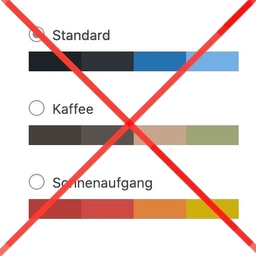
Hide color options
Hide color options — Hides all color options on the WordPress profile page

Hide Comment Author Link
Hide Comment Author Link — Hides or disables hyperlinks associated with comment author names.
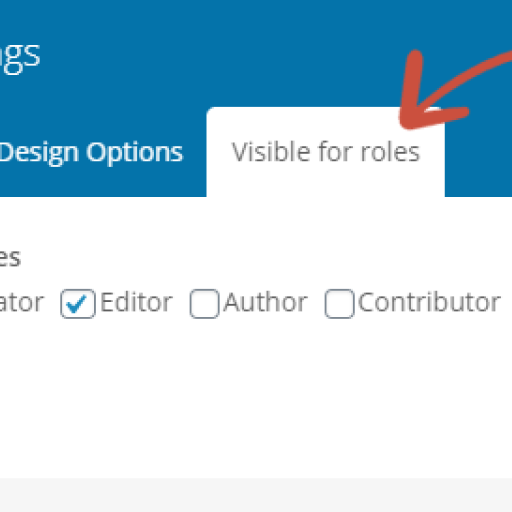
Hide Content by User Role for WPBakery
Hide Content by User Role for WPBakery — Hides or shows WPBakery page builder elements based on specific user roles

Hide Current Page From Menu – Advanced
Hide Current Page From Menu – Advanced — Automatically hides the menu item corresponding to the current page, post, or custom post type dynamically.

Hide Drafts in Menus
Hide Drafts in Menus — Automatically hides pages and posts with 'draft' or 'pending review' status from front-end custom menus.
Hide Edit With Elementor
Hide Edit With Elementor — Hides the 'Edit With Elementor' button and links on specific pages or posts.

Hide Editor For Page Templates
Hide Editor For Page Templates — Hides the classic editor or Gutenberg block editor for selected page templates
Hide Featured Image
Hide Featured Image controls featured-image visibility on single posts and pages, with support for custom post types and per-item or global hiding options.

Hide featured image on all single page/post
Hide featured image on all single page/post — Hides featured images on single posts and pages when those items are viewed individually.
Hide from Search
Hide from Search — Provides a per-post/page checkbox (“Hide from search”) in the post editor to mark individual content items as hidden from search engines and/or WordPress search results.
Hide Front End WP Admin Bar
Hide Front End WP Admin Bar — Hides the WordPress admin bar specifically on the front-end of the website.

Hide Generator Version
Hide Generator Version — Removes the WordPress generator meta-tag from site headers
Hide GTM code
Hide GTM code — Injects Google Tag Manager (GTM) code into WordPress themes without requiring manual theme customization.

Hide Header on Posts for Landing Pages
Hide Header on Posts for Landing Pages — Automatically detects and hides page headers, logos, and menus on single post pages using a theme-agnostic algorithm.

Hide Link | Really hide links to robots
Hide Link | Really hide links to robots — Replaces anchor tags with clickable span elements using JavaScript to prevent robots from detecting links
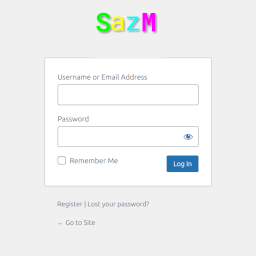
Hide Login Language Selector
Hide Login Language Selector — Hides the language selection dropdown on the WordPress login screen

Hide Login Shield
Hide Login Shield — Customizes the default WordPress login URL to obscure standard entry points.