
REEID 호환성 디렉터리
WordPress 제품과 그들의 REEID Translate 호환성을 탐색해 보세요.
WordPress 플러그인, 테마, 빌더 및 제품 생태계를 살펴보세요. REEID Translate Pro와의 호환 상태와 통합 세부 정보를 확인할 수 있습니다.
검증된 통합 · 호환성 정보 · 검증 대기 중인 제품 · 검색 가능한 디렉터리
디렉터리 작동 방식
호환성 정보는 한 곳에서 관리됩니다.
귀하의 WordPress 스택에 맞는 제품을 찾아 현재 REEID 호환 상태를 확인하세요.
- 제품 이름으로 검색
- 호환 상태 둘러보기
- 사용 가능한 통합 가이드 열기
게시된 호환성 가이드
REEID Translate와 함께 워드프레스 생태계를 탐험해 보세요.
제품 이름으로 검색하여 호환성 상태, 이용 가능한 통합 문서, 지원되는 다국어 워크플로우를 확인하세요.

Time Tracker
Time Tracker — As a prerequisite-dependent add-on, it requires either Contact Form 7 or WP Forms to be installed and activated before use.

Time Zone Converter
Time Zone Converter — Converts and compares time across different global time zones.

Time-Based Offers for WooCommerce
Time-Based Offers for WooCommerce — Shows a time-limited discount popup after a visitor stays on a product page for a configured duration.

Time-based Revision Cleanup
Time-based Revision Cleanup — Age-based revision management

Time-Limited Content Access
Time-Limited Content Access — Displays or hides content blocks based on specific date and time ranges using the [timecoac_timed_content] shortcode

Time.now Clock Widget
Time.now Clock Widget — Embeds live, accurate clocks in WordPress using text, digital, word, and analog widget styles.

Timed Access Pass
Timed Access Pass — Content protection via timed access codes delivered by email

Timed Content
Timed Content — Provides a client-side shortcode that shows or hides enclosed content after a relative time interval, with optional fade-in and fade-out effects.
Timed Content For Beaver Builder
Timed Content For Beaver Builder — Adds an advanced custom module to the basic page builder for hiding content after a given time.

Timed Event Block
Timed Event Block — Schedules event visibility using a server-rendered parent block with start date, time, and duration controls.

Timed featured products for WooCommerce
Timed featured products for WooCommerce — Automatically removes WooCommerce product "featured" status after a specified number of days

Timed Visibility Block
Timed Visibility Block — Schedules content visibility in the Gutenberg Block Editor based on specific date-time ranges.

TimeFix – Simple Appointment Booking & Scheduling Plugin
TimeFix – Simple Appointment Booking & Scheduling Plugin — Allows management of multiple services with customizable durations, time slots, intervals, and pricing.

TimeFly
TimeFly — Adds a custom WordPress block that automatically shows or hides inner content based on time-based schedules.

TimeGuard – Freelancer Time Log Pro
TimeGuard – Freelancer Time Log Pro — Start, pause, and resume timers directly from the WordPress admin bar

Timeline – Tell Your Story Through Events and Milestones
Timeline – Tell Your Story Through Events and Milestones — Creates vertical and horizontal interactive timelines for posts, pages, and widgets without coding.

Timeline Block – tell your story with elegant timelines
Timeline Block – tell your story with elegant timelines — Creates responsive vertical and horizontal timelines directly in the Gutenberg Block Editor.
Timeline Block For Gutenberg
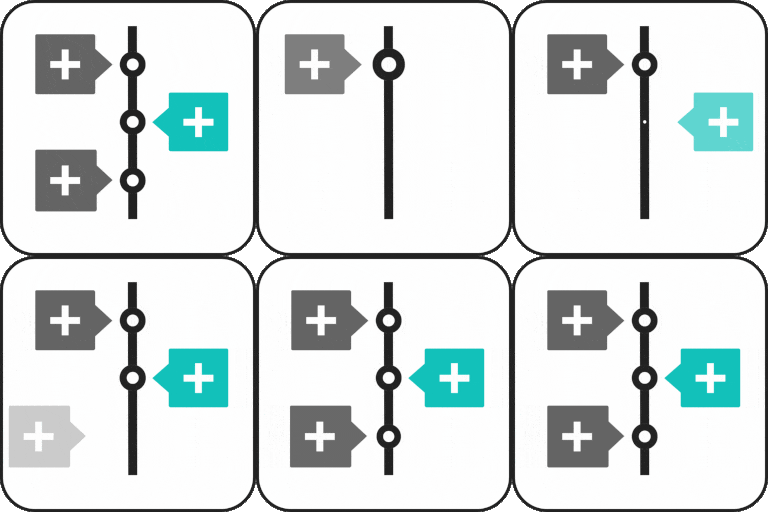
Timeline Block For Gutenberg is a WordPress block plugin for creating vertical timelines and step-by-step story layouts. It supports timeline story headings, descriptions, labels, icons, and read-more links.
Timeline Blocks
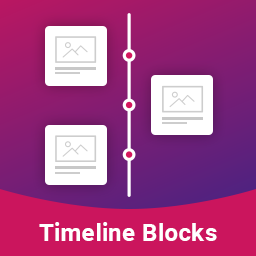
Timeline Blocks — Provides a Gutenberg add-on with additional options for post showcases using a vertical timeline.

Timeline Designer
Timeline Designer — Creates customizable vertical and horizontal post timelines using built-in templates

Timeline Express
Timeline Express adds a responsive vertical animated timeline for posts, placed with the [timeline-express] shortcode and configurable announcement display options.

Timeline Full Widget
Timeline Full Widget — Creates WordPress timelines using both Elementor and Gutenberg.
Timeline Module for Beaver Builder
Timeline Module for Beaver Builder — Provides a “Timeline module” for Beaver Builder to create timelines on a website.
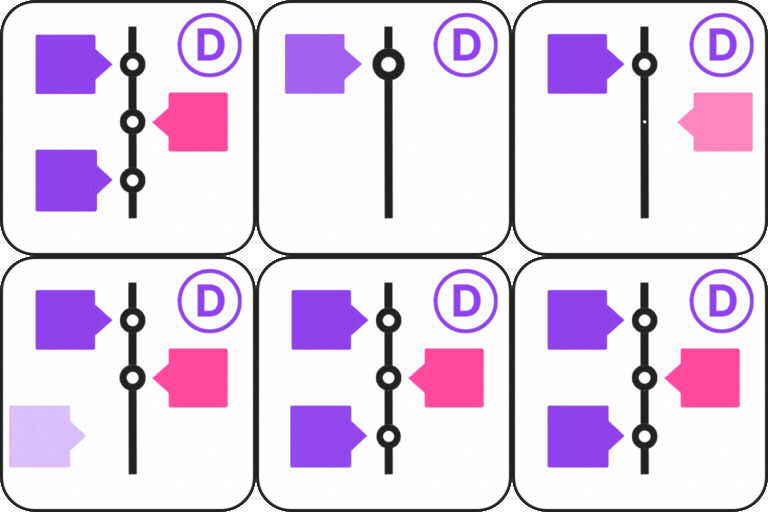
Timeline Module for Divi
Timeline Module for Divi — Adds a timeline module directly inside the Divi Builder.