REEID EDITORIAL
What Happens to Custom Fields in Multilingual WordPress?
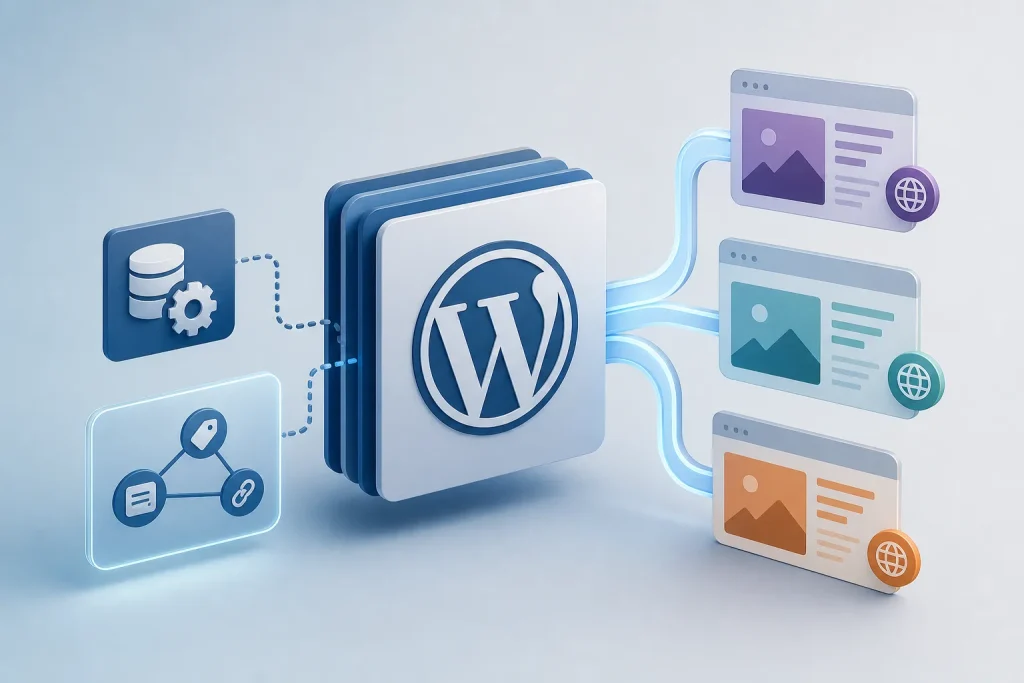
In multilingual WordPress, custom fields and post meta are not side data—they are part of the content model. Some values should be translated with the post, some should stay synchronized across language versions, and some may need a deliberate split between the two. If that handling is inconsistent, the result is usually not a subtle localization issue but missing content, stale values, or broken frontend output.
Key takeaway
Treat each custom field as either translatable, synchronized, or intentionally excluded. The right choice depends on whether the value is language-specific content, shared editorial data, or a technical reference that must remain consistent across translations.
Custom fields are part of the multilingual content model
In WordPress, custom fields and post meta are not separate from the content experience just because they sit outside the main editor body. They often drive what appears in templates, blocks, archive cards, structured content sections, and conditional frontend logic.
That means multilingual handling has to account for more than translated paragraphs. If a template reads a field to render a headline, CTA, date, price, relationship, or layout choice, that field becomes part of what users experience in each language version.
Not every field should behave the same way
The key decision is whether a field contains language-specific content or shared content.
Language-specific values usually need translation because the text itself changes by locale. Shared values usually need synchronization because the underlying data should remain identical across language versions. Some fields may need neither, especially if they are internal technical values that should not be exposed as translated content.
This distinction matters because multilingual systems do not just duplicate posts; they also have to decide how each field behaves when a translation is created, updated, or published.
| Field type | Typical handling | Why |
|---|---|---|
| Body copy or short text shown to visitors | Translate | The visible content changes by language. |
| Shared identifiers or technical references | Synchronize | The value must stay consistent across language versions. |
| Template-driving values that affect layout or output logic | Depends on the field | The field may need translation if it is user-facing text, or sync if it is a shared setting. |
| Internal metadata not meant for frontend rendering | Often excluded or handled separately | Translating it can create noise or unintended behavior. |
Why translation and synchronization are different operations
Translation changes the value so the language version can stand on its own. Synchronization copies or preserves the same value across language variants so they remain aligned.
Those are different operations with different failure modes. If a field should be translated but is synchronized instead, the frontend may show the wrong language. If a field should be synchronized but is translated independently, the language versions can drift apart and stop matching the same underlying content.
This is especially visible when a template depends on a field for rendering. A translated label can be correct while the linked value, image reference, or relationship remains out of sync, producing a page that looks partly localized and partly inconsistent.
How inconsistent field handling breaks the frontend
Missing content is the most obvious failure mode. If a template expects a field value and the translated post does not have one, the rendered section may disappear or fall back to empty output.
Stale values happen when one language version is updated but the related field in another language is not. The page still renders, but it shows outdated information that no longer matches the source content.
Broken frontend output occurs when a field is used in a way the template assumes is valid, but the translated version contains a different type of value, an empty value, or a mismatched reference. In practice, that can affect links, conditional sections, repeated content, and any template logic that expects the field to be present and consistent.
Dependencies extend beyond the field itself
A custom field rarely exists in isolation. It may be consumed by a block, a template part, a theme condition, or another field that references it.
That creates dependency chains. If a translated post changes its slug, language relationship, or linked content while the field values are not updated in step, the visible page can still render but point to the wrong destination or show mismatched related content.
For implementers, the practical question is not only whether a field is translated, but what else reads that field. The more a field influences routing, canonical signals, relationships, or template output, the more carefully its multilingual behavior has to be defined.
Operational decisions for WordPress owners and implementers
A useful workflow starts by classifying fields before translation work begins. Decide which fields are content, which are shared settings, and which are technical metadata.
Then verify that the translation workflow preserves those decisions when a new language version is created. The goal is not just to copy data, but to keep the right values editable, synchronized, or hidden according to their role.
Finally, test the frontend output in each language version. The most common problems are not visible in the editor alone; they appear when templates read the field and render the page.
IMPORTANT
Frequently asked questions
Should every custom field be translated in multilingual WordPress?
No. Some fields contain language-specific text and should be translated, while others contain shared values that should stay synchronized. The correct behavior depends on what the field is used for in the frontend and whether the value itself changes by language.
Why can a translated page still look incomplete if the main content is present?
Because the page may depend on custom fields or post meta for headings, links, layout sections, or related content. If those fields are missing or not handled consistently in the translated version, the page can render with gaps even when the main body text is present.
What is the main risk of syncing a field that should be translated?
The frontend can show the wrong language or a value that does not match the rest of the localized content. That creates a mixed-language experience and can make the page feel unfinished or incorrect.
What is the main risk of translating a field that should be synchronized?
The language versions can drift apart. That can produce stale references, inconsistent settings, or broken output when templates expect the same underlying value across translations.
SOURCES & EVIDENCE
PUT THE ARCHITECTURE TO WORK
See how WordPress integrations behave in a multilingual system
Explore plugin-specific compatibility, translation surfaces and implementation notes in the REEID Integration Directory.

Advanced Custom Fields (ACF®)
REEID has tested and verified Advanced Custom Fields (ACF®) compatibility with REEID Translate. No specific visitor-facing translation field is currently published for this integration.