REEID EDITORIAL
Image Metadata and Media Handling in Multilingual WordPress
In multilingual WordPress sites, images are rarely just files. Alt text, captions, attachment metadata, filenames, and the media library itself can all carry language-specific meaning or shared technical data. The practical question is not whether to translate everything, but which image fields should vary by language, which should stay global, and how those choices affect accessibility, search, and content maintenance.
Key takeaway
Translate language-facing image text such as alt text and captions when they are part of the page’s meaning, but keep shared technical media data—such as the underlying file and most attachment metadata—consistent unless a workflow explicitly requires separate language versions.
What changes with language, and what should stay shared
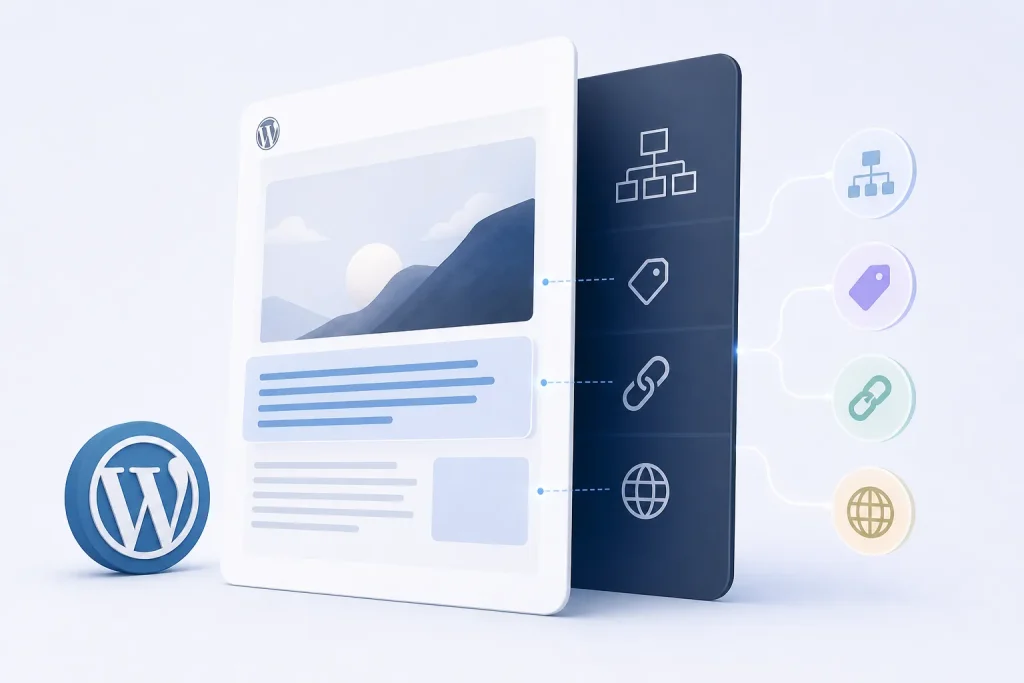
A multilingual WordPress site usually has two different kinds of image data. One kind is language-facing content: alt text, captions, and any descriptive text that appears to users or search engines in the context of a page. The other kind is shared media data: the actual image file, its technical attachment record, and any metadata that describes the file rather than the language of the page.
That distinction matters because translating shared technical data creates duplication without improving meaning, while failing to translate language-facing text leaves the image disconnected from the page language. The right boundary is usually determined by whether the field is read as content or as file information.
Alt text: translate the meaning, not the filename
Alt text is the most language-sensitive image field in WordPress because it is consumed as descriptive content. In a multilingual setup, the alt text should normally match the language of the page where the image appears, because assistive technologies and search systems interpret it in that page context.
That does not mean every image needs a different conceptual description in every language. If the image is purely decorative, the alt text should remain empty or otherwise follow the site’s accessibility approach rather than being translated into a meaningless phrase. If the image conveys information, the translated alt text should describe that information in the target language, not preserve source-language wording that the reader cannot use.
A common failure mode is reusing one language’s alt text across all translations because the media item is shared. That keeps the media library simpler, but it breaks the relationship between the image and the translated page content. Another failure mode is translating alt text mechanically while leaving the surrounding page copy unchanged, which can create mismatches in terminology or product naming.
Captions: translate when they are part of the page narrative
Captions behave more like body copy than file metadata. If a caption is visible to readers, it participates in the page’s language and should usually be translated along with the rest of the content. This is especially true when the caption adds context, attribution, or interpretation that the surrounding text depends on.
Because captions are rendered on the front end, they can affect both comprehension and layout. A translated caption may expand or contract relative to the source language, so implementers should expect line wrapping and spacing differences rather than assuming a one-to-one visual fit.
If a caption is used as a source of truth for multiple places on the site, translation decisions become more consequential. Reusing one caption across languages can reduce editorial work, but it also forces every language version to inherit the same phrasing, which may not match local terminology or legal/attribution requirements.
Attachment metadata: mostly shared, sometimes language-aware
Attachment metadata in WordPress usually describes the file itself rather than the language of the page. That includes technical properties associated with the uploaded media and the attachment record that stores the file in the media library. In most multilingual workflows, this data should remain shared because the underlying asset is the same across languages.
The practical exception is when the attachment record carries user-facing text that is exposed in the media library or on the front end. In that case, the text behaves like content and may need translation. The same distinction appears when deciding how custom fields and post meta should behave across languages. The key engineering question is whether the field is used as a technical identifier or as visible editorial copy.
This distinction also affects maintenance. Shared attachment data reduces duplication and keeps updates synchronized, but it can make language-specific editorial control harder if the workflow does not separate descriptive text from file identity. Language-aware attachment records give editors more control, but they also increase the risk of drift between versions if the same image is updated in one language and not reflected elsewhere. That is why multilingual plugin compatibility testing should include media and metadata behavior, not only visible page text.
Filenames and image SEO: useful for discovery, but not a translation target by default
Image filenames are part of the file layer, so they are usually shared rather than translated per language. Changing filenames after upload can create operational complexity because the file path, references in content, and any derived URLs may need to stay aligned. For that reason, filenames are better treated as technical identifiers than as language-specific content.
From an image SEO perspective, filenames can still matter because they contribute to how the asset is named and organized. But in multilingual WordPress, the stronger language signal usually comes from the surrounding page content, translated alt text, captions, and the page’s own routing and canonical structure. These relationships are part of the broader multilingual WordPress SEO architecture. A translated filename alone does not make an image meaningfully localized if the visible text around it remains in another language.
The trade-off is straightforward: translating filenames may improve human readability in the media library, but it can also complicate reuse, caching, and references across language versions. Keeping filenames shared preserves stability and makes the asset easier to manage as a single file used by multiple translations.
Reusable media: one file, many language contexts
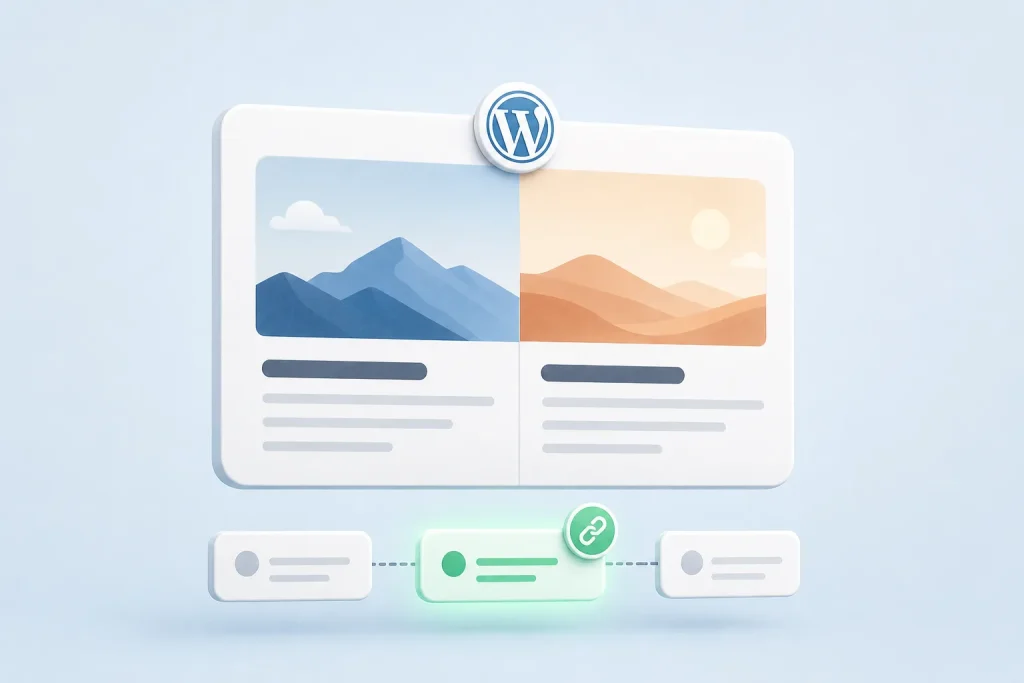
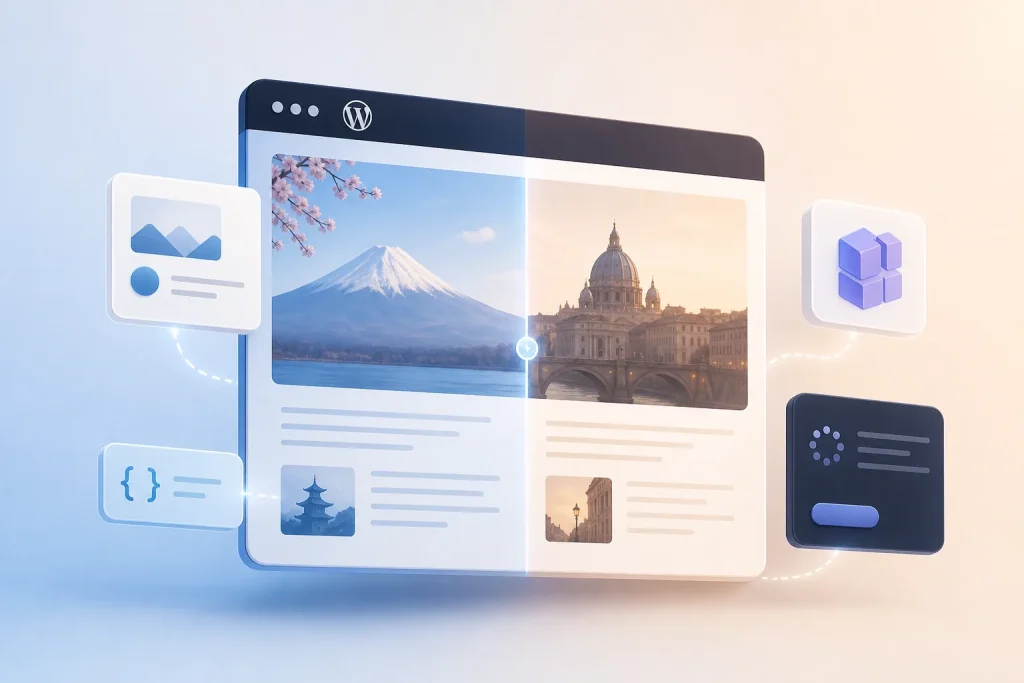
Reusable media is where multilingual WordPress becomes operationally interesting. A single image can appear in multiple translations, but each language version may need different descriptive text, different surrounding copy, or even a different crop if the layout changes. The shared file remains the same, while the language-specific presentation changes around it.
This separation is useful because it avoids duplicating binary assets unnecessarily. It also means that the media library and the content layer do not have to follow the same translation model. The image can be shared globally while the page-level metadata that describes it is localized per language.
The main failure mode is assuming that shared media implies shared meaning. An image that works in one language version may need a different caption, alt text, or even a different replacement image in another language if the cultural or editorial context changes. Reuse is efficient, but it should not override language fit.
How to decide what to translate
A practical rule is to translate anything a reader would interpret as part of the page’s message, and keep shared anything that identifies or stores the file itself. That means alt text and captions are usually translated, while the underlying image file and most attachment metadata remain shared.
When a field sits in the middle, ask two questions: does the field appear to users, and does its meaning depend on the page language? If the answer to either is yes, translation may be appropriate. If the field is only there to support file management or rendering, it should usually stay global.
This decision also affects editorial workflow. Teams that localize image text need a process for keeping translated descriptions aligned with page updates. Teams that keep media shared need a clear rule for when a new language version should reuse the existing asset versus when it should get a separate image or caption.
Frequently asked questions
Should every image in a multilingual WordPress site have translated alt text?
Not necessarily. Alt text should be translated when the image conveys meaning on the page. Decorative images should follow the site’s accessibility approach rather than being forced into translated descriptions.
Are captions treated like media metadata or page content?
Captions behave more like page content because readers see them on the front end. If the caption is visible, it usually should be translated with the page language.
Should filenames be translated for each language version?
Usually no. Filenames are best treated as shared technical identifiers because changing them can complicate file references, reuse, and maintenance across translations.
Can one uploaded image be reused across multiple languages?
Yes. Reusing one file across languages is often the cleanest approach. The shared asset can stay the same while language-specific text such as alt text and captions changes per translation.
SOURCES & EVIDENCE
PUT THE ARCHITECTURE TO WORK
See how WordPress integrations behave in a multilingual system
Explore plugin-specific compatibility, translation surfaces and implementation notes in the REEID Integration Directory.