
MEDIOS DE WORDPRESS
Integraciones de medios de WordPress para REEID Translate
Explore la compatibilidad documentada con los complementos de medios de WordPress para títulos, leyendas, texto alternativo y descripciones multilingües, preservando los recursos multimedia.
COMPATIBILIDAD DE MEDIOS
Navegue por las integraciones de medios de WordPress.
Encuentre guías de compatibilidad publicadas para complementos de medios y los metadatos textuales compatibles utilizados en flujos de trabajo multilingües de WordPress.

WP Display Header
WP Display Header — Allows selecting a different header image per post, page, custom post type, or archive page.
WP Docs
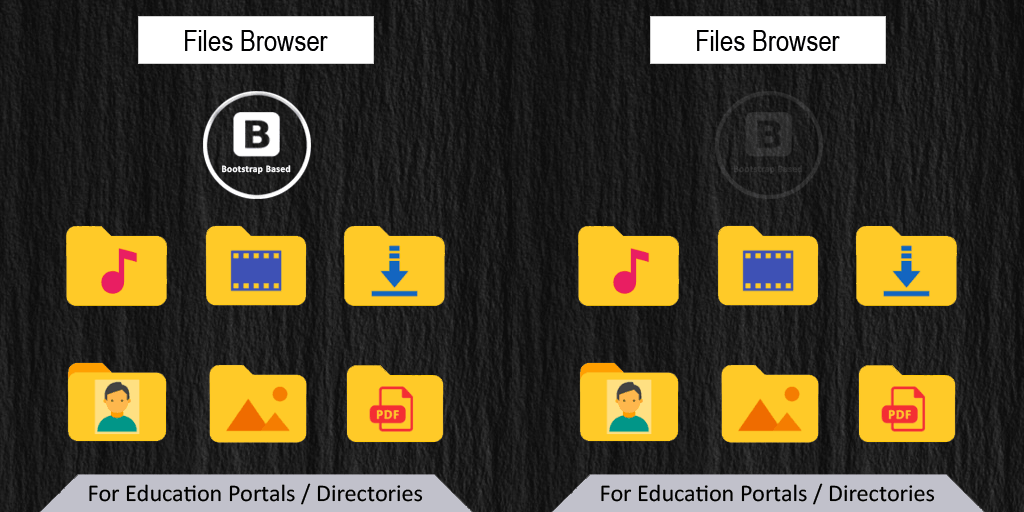
WP Docs — Ajax-based front-end file browser with breadcrumb navigation and support for multiple directory views (list, details, icons).

WP Document Revisions
WP Document Revisions — Leverages WordPress attachments and media library infrastructure to store, version, and manage files of any format including images, PDFs, and documents.
WP Extra File Types
WP Extra File Types extends WordPress Media Library upload file types by adding custom extensions and MIME types, with controls for managing file type entries.

WP fancybox
WP fancybox — Adds a responsive Fancybox lightbox effect to WordPress media elements, optimized for desktop, mobile, and tablet devices.

WP Featherlight Disabled
WP Featherlight Disabled — Adds responsive jQuery lightbox functionality to standard WordPress images and galleries.
WP Flow Plus
WP Flow Plus — Displays flow-style carousel galleries with optional CSS reflections and multiple animation styles (baseline, angled, flip, explode).
WP GIF Uploader – Animated GIF Upload and Thumbnails
WP GIF Uploader – Animated GIF Upload and Thumbnails — Preserves animated GIF frames in all WordPress-generated image subsizes (thumbnail, medium, large) during upload.

WP Go Maps Block
WP Go Maps Block — Provides a standalone Gutenberg block (“Map Block”) to embed Google Maps or OpenLayers maps into WordPress posts/pages.

WP Image Cropper
WP Image Cropper — Provides a frontend interface for cropping images with customizable dimensions and output formats (PNG, JPG).

WP Image Mask
WP Image Mask — Adds image masking support for Gutenberg’s native image block and via the `[wp-image-mask]` shortcode.

WP Image Size Limit
WP Image Size Limit — Adds an admin-configurable maximum upload file size specifically for image files under Settings → Media.
WP Image Sizes
WP Image Sizes — Per-post-type configuration for generating specific image sizes

WP ImageViewer
WP ImageViewer — Provides a modal image viewer interface for WordPress galleries and linked images.

WP Imsizer
WP Imsizer — Automatically scales down uploaded images to pre-configured maximum height or width dimensions and replaces the original file.
WP Instant Feeds
WP Instant Feeds — Displays an Instagram feed via the `[wp_my_instagram]` shortcode.

WP Lightbox 2
WP Lightbox 2 — Adds a responsive lightbox overlay for image links on WordPress pages and posts.
WP Links Page
WP Links Page — Creates a dynamic link gallery that includes automatically generated screenshots for each configured link.

WP Media Categories
WP Media Categories — Adds category taxonomy support to media and attachments
WP Media Category Management
WP Media Category Management — Supports assigning media to categories using either standard post categories or a dedicated media taxonomy.

WP Media File Type Manager
WP Media File Type Manager — Manages allowed file types for uploads in the WordPress Media Library

WP Media folders
WP Media folders — Creates a real media URL structure by adding a field on the media edit screen to update the full path and name of media, and then creates/moves/renames files into the corresponding folder locations.

WP Media Stories
WP Media Stories — Treats media collections as narrative 'stories' with associated titles and descriptions for each gallery item

WP MediaPilot – Media Library Folders, Smart Filters & Organizer
WP MediaPilot – Media Library Folders, Smart Filters & Organizer — Virtual folder organization for media attachments without moving physical files