REEID EDITORIAL
XML sitemaps in multilingual WordPress: what should actually be indexed?
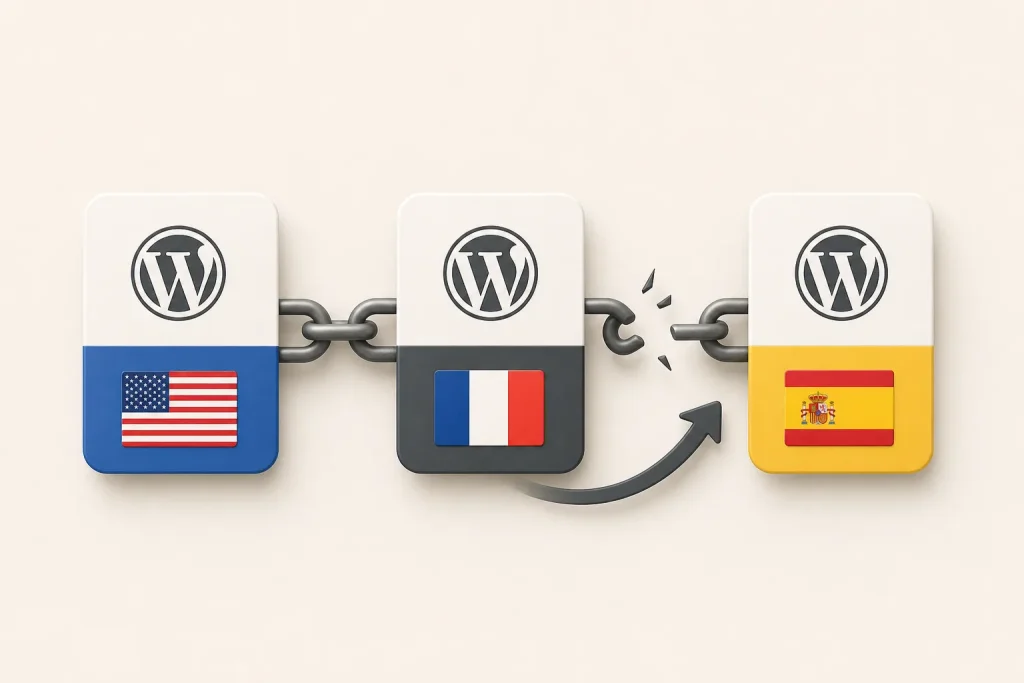
In multilingual WordPress, a sitemap should list only URLs that are meant to be indexed as standalone pages in search. That means each language version needs to be evaluated on its own signals: canonical tags, robots directives, and whether the translated URL is actually the preferred indexable version. Submitting translated URLs does not override conflicting page-level signals.
Key takeaway
A multilingual WordPress sitemap is only useful when it exposes the URLs you want indexed and those URLs agree with canonical and robots rules; otherwise, search engines receive mixed signals and may ignore the sitemap entries.
What a multilingual sitemap is supposed to communicate
A sitemap is not a list of every URL a site can generate. In a multilingual WordPress setup, it is a declaration of which language-specific URLs are intended to be discovered and considered for indexing.
That distinction matters because translated content often exists in more than one form: a language-specific permalink, a translated template output, or a page that is reachable but not meant to stand alone in search. The sitemap should reflect the indexable version, not every reachable variant.
Which translated URLs belong in the sitemap
Include translated URLs when each version is a real, indexable page with its own language-specific content and its own preferred URL.
Exclude translated URLs when they are only alternate delivery paths, when they are blocked from indexing, or when they are not the canonical version. A sitemap entry should reinforce the page’s indexing intent, not contradict it.
For WordPress implementers, this usually means checking the language relationship between posts or pages, the permalink assigned to each translation, and whether the translated content is actually published as a distinct object rather than generated as a transient view.
Canonical signals decide whether a sitemap entry is credible
If a translated page declares a canonical URL that points somewhere else, the sitemap entry is no longer a clean signal for that translated URL. Search engines receive two instructions at once: the sitemap says the URL should be considered, while the canonical says another URL is preferred.
That conflict does not make the sitemap stronger. It makes it less useful, because the page-level canonical signal usually tells search engines which URL should consolidate indexing signals. In practice, a sitemap should not list a translated URL as indexable if the page itself says it is not the preferred version.
Robots rules can make a sitemap entry self-contradictory
A URL that is blocked from indexing by robots directives should not be treated as a valid sitemap candidate for indexing. If the sitemap includes it anyway, the sitemap is advertising a page that the page itself tells search engines not to index.
This is especially relevant in multilingual WordPress when some language variants are used for navigation, fallback rendering, or internal translation workflows but are not intended to appear in search. Those URLs may still be useful to users or editors, but they do not belong in an index-focused sitemap.
Why submitting translated URLs does not fix conflicting page signals
Submitting a translated URL to search engines does not override the signals that the page sends. If the translated page conflicts with its canonical tag, robots directives, or language relationship setup, the submission only adds another hint to an already inconsistent set of instructions.
The practical consequence is that sitemap submission cannot rescue a page whose own metadata says it should not be indexed, or should be indexed only as an alternate of another URL. The page must first be internally consistent: the URL, canonical, robots rules, and language mapping all need to point in the same direction.
How WordPress architecture affects sitemap quality
In WordPress, multilingual indexing decisions are often shaped by how translations are stored and rendered. If translations are separate posts or pages, each one can have its own permalink, canonical signal, and language relationship. If translations are assembled dynamically from plugin-owned data or custom fields, the visible language version may not correspond to a distinct indexable object.
That difference matters for sitemap generation. A sitemap built from post objects can only be accurate if those objects represent the actual indexable language variants. If the multilingual layer is driven by templates, blocks, or dynamic rendering, the sitemap logic has to follow the same source of truth that determines which URL is canonical and indexable.
Operational checks for a clean multilingual sitemap
Before exposing translated URLs in a sitemap, verify three things for each language variant: the URL is intended to be indexed, the canonical points to that same URL, and robots rules do not block indexing.
Then confirm that the language relationship is coherent. A translated page should map to the correct source content and should not be treated as an alternate URL if it is meant to stand alone in search. If the page is only a fallback, preview, or non-preferred rendering, leave it out of the sitemap.
IMPORTANT
Frequently asked questions
Should every translated WordPress page be included in the sitemap?
Only if that translated page is intended to be indexed as its own URL and its canonical and robots signals agree with that intent. If it is an alternate, fallback, or non-indexable version, it should not be in the sitemap.
If a translated URL is in the sitemap, does that guarantee indexing?
No. The sitemap is only one signal. If the page sends conflicting canonical or robots instructions, those page-level signals can outweigh the sitemap entry.
What is the main thing to check when a multilingual sitemap looks correct but pages are not indexing?
Check whether the translated URLs are internally consistent: the canonical tag, robots directives, and language relationships should all point to the same indexing decision.
SOURCES & EVIDENCE
PUT THE ARCHITECTURE TO WORK
See how WordPress integrations behave in a multilingual system
Explore plugin-specific compatibility, translation surfaces and implementation notes in the REEID Integration Directory.

AIOSEO
REEID has tested and verified AIOSEO compatibility with REEID Translate. No specific visitor-facing translation field is currently published for this integration.

Rank Math
REEID has tested and verified Rank Math compatibility with REEID Translate. No specific visitor-facing translation field is currently published for this integration.

Yoast SEO
REEID has tested and verified Yoast SEO compatibility with REEID Translate. No specific visitor-facing translation field is currently published for this integration.