REEID EDITORIAL
Menus and navigation in multilingual WordPress are structured data
In multilingual WordPress, a menu is not just a list of translated labels. It is a structured navigation object made up of hierarchy, linked destinations, taxonomy archives, custom URLs, plugin-generated items, and language-specific routing rules. If those relationships are not preserved per language, the visible menu may look translated while the underlying navigation breaks.
Key takeaway
Treat multilingual menus as language-aware structured data: translate labels where needed, but also preserve item relationships, destination mapping, and routing behavior so each language version resolves to coherent pages, archives, and URLs.
Navigation is more than translated text
A multilingual menu has two jobs at once: it presents readable labels in the current language, and it preserves the structure that tells WordPress where each item should go. That structure includes parent-child relationships, the type of destination behind each item, and the language context in which the item should resolve.
If you translate only the visible text, you may still leave the menu pointing at the wrong content. A label can be correct while the destination is not, especially when the menu mixes pages, taxonomy archives, custom URLs, and items created by plugins or theme logic.
What makes a menu structured data
A WordPress menu is not a flat string list. Each item carries meaning beyond its title. The menu can encode hierarchy, so one item is nested under another. It can also encode destination type, so a menu item may point to a page, a taxonomy term archive, a custom URL, or a plugin-generated endpoint.
That means translation has to respect relationships, not just words. If a parent item changes language but its child items do not map to equivalent destinations, the navigation tree becomes inconsistent. The result is not merely awkward wording; it is a broken information architecture for that language version.
Why destination mapping matters
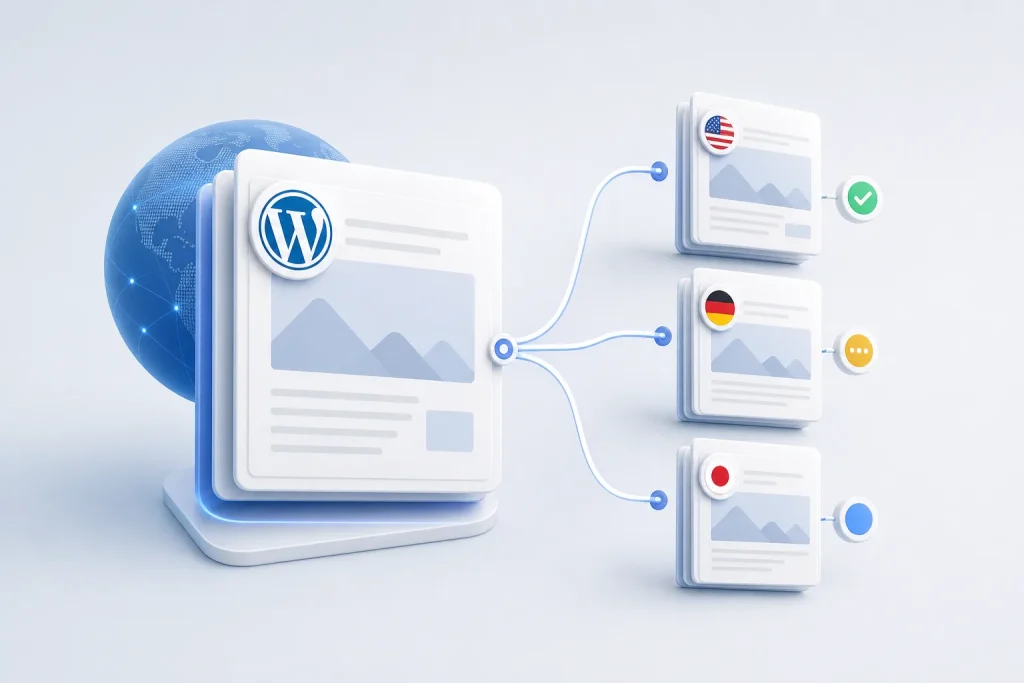
The same menu label can represent different underlying targets in different languages. A translated page may have a different permalink. A taxonomy archive may exist in one language but not another until its terms are created and linked. A custom URL may need a language-specific path rather than a direct copy of the source-language link.
This is why multilingual navigation cannot be treated as a simple text replacement task. The menu item must resolve to the correct destination in the active language, or users will land on the wrong content, a fallback language, or a dead end. In practical terms, the menu is part of routing, not just presentation.
Language-specific routing changes the shape of the menu
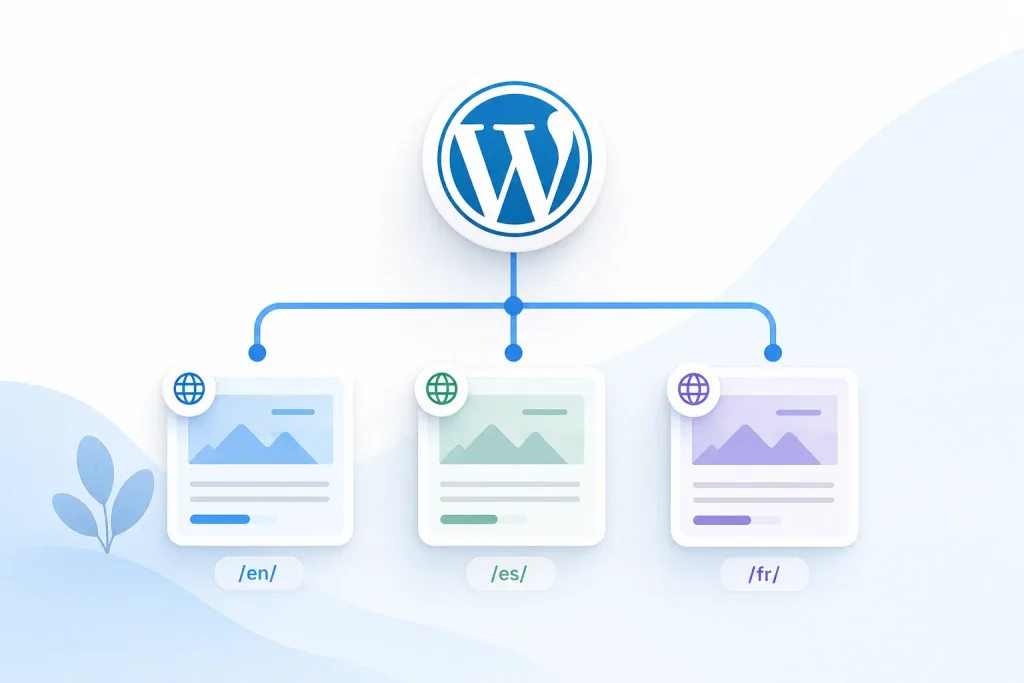
In multilingual sites, the same conceptual section may need different URLs, different archive targets, or different menu depth depending on the language version. That is because routing is language-aware: the path that works in one language may not be the canonical path in another.
When routing differs, the menu must reflect those differences instead of hiding them. A translated navigation item that points to the source-language URL can create a mismatch between the visible language and the actual content path. That mismatch affects usability and can also make the site harder to reason about operationally, because the menu no longer mirrors the language structure of the site.
Common failure modes when menus are translated as strings
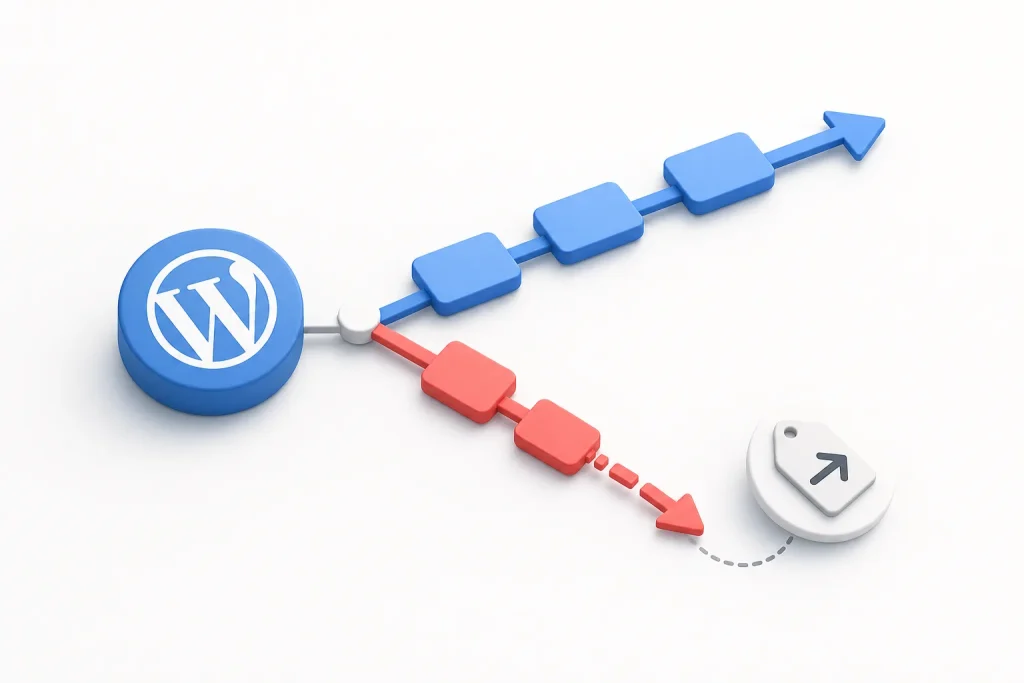
One failure mode is hierarchy drift: a parent item is translated, but its children are not mapped to equivalent language content, so the submenu no longer represents the same conceptual grouping.
Another is destination drift: the label is translated, but the item still points to the original page, taxonomy archive, or custom URL. A third is plugin-item drift, where a menu entry generated by plugin-owned data is copied without preserving the underlying object relationship. In each case, the menu may look complete while the navigation logic is inconsistent.
These failures are especially visible when a site mixes content types. A menu that includes pages, category archives, and custom links needs each item type handled according to its own routing behavior.
Operational consequence for WordPress owners and implementers
For WordPress owners, the practical decision is whether multilingual navigation is managed as a set of language-aware relationships or as a set of translated labels. The first approach preserves coherence across pages, archives, and custom links. The second can produce menus that appear localized but do not behave like localized navigation.
For developers and implementers, the key engineering trade-off is between simplicity and correctness. A simple translation workflow is easier to maintain at first, but it does not preserve the structural dependencies that menus rely on. A structured approach requires more attention to item mapping and language routing, but it keeps the navigation tree aligned with the content model of each language.
Frequently asked questions
Why can’t I just translate the menu labels and keep the same links?
Because the label is only one part of the menu item. The destination behind the label may need a different permalink, archive target, or language-specific URL. If the link is not mapped to the correct language version, the menu can look translated while still sending users to the wrong place.
Do custom links behave differently from page links in multilingual menus?
Yes, because custom links are not automatically tied to a translated content object. They often need language-specific routing or manual mapping so the URL matches the active language. Page links and taxonomy links also need their own destination relationships preserved, but custom links are especially easy to copy without adapting the path.
What is the main risk of copying a menu structure from one language to another?
The structure may copy visually while the underlying relationships do not. That can leave parent-child groupings intact but point items at source-language content, missing archives, or plugin-generated destinations that do not exist in the target language.
SOURCES & EVIDENCE
PUT THE ARCHITECTURE TO WORK
See how WordPress integrations behave in a multilingual system
Explore plugin-specific compatibility, translation surfaces and implementation notes in the REEID Integration Directory.